 Today nearly every web site is an application of some sort, and requires a username & password. That’s great but it’s difficult to remember many passwords so what to do? Using the same password across all sites makes it easy to remember but is hardly secure; if your account on one site gets compromised you’re laying your accounts on all sites open to attack. A better way is to use a different password for each account but how do you remember them?
One way is to use some kind of password scheme such as combining a standard secret code with a code derived from the site name to form the password for that site. But again this is not totally secure as one password being compromised gives the attacker the secret part that is in all your other passwords and simplifies figuring out your scheme.
Another way; and the one I use is to use a password database application such as KeePass Password Safe to both manage your credentials. I do this; allowing KeePass to generate passwords for me and automatically enter my credentials into login forms at the press of a hotkey. This works very well and I have hundreds of passwords stored, most of which I’ve never even seen. Not only are these passwords automatically generated but the fact that I don’t need to remember them means I can use nice secure passwords like “y. I&DSe%b”.
This is where problems arise with the mobile web. Yesterday I was out and wanted to tweet from my phone so I opened Slandr in Opera Mini only to see the login page; must have been too long since I last used Slandr and the cookie expired. So I was stuffed, being out and nowhere near my computer or access to my KeePass database to look up the password. Even if I had a password database on my phone it would be tricky to type in a cryptic password without copy and paste. So what’s the alternative? Dumb down my password scheme again to the point where I can memorise passwords for entry on my phone? I’m not keen on that.
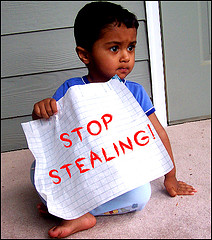
Photograph courtesy of Tom Hensel.

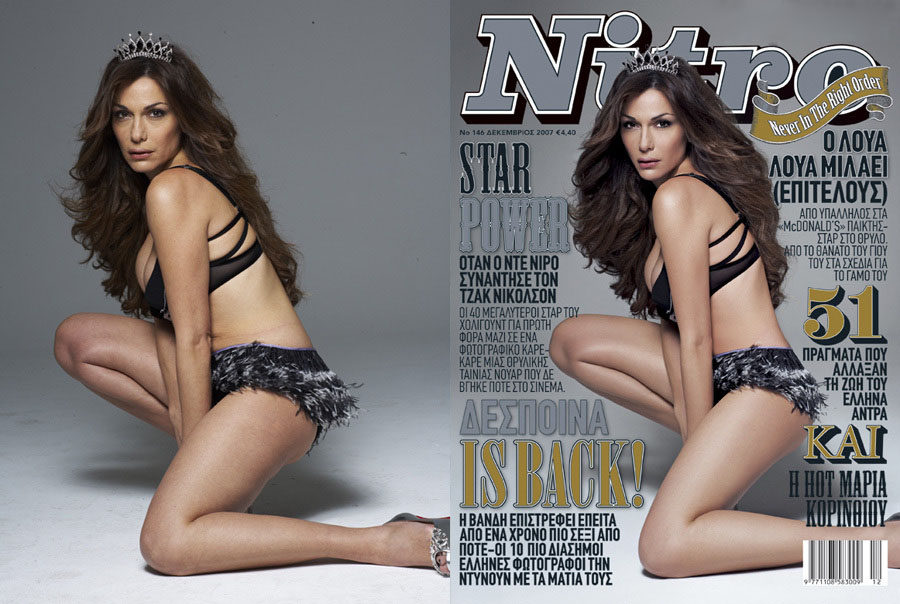
 There is a “CD Cover Meme” doing the rounds at the moment that is not quite as harmless as it might seem.


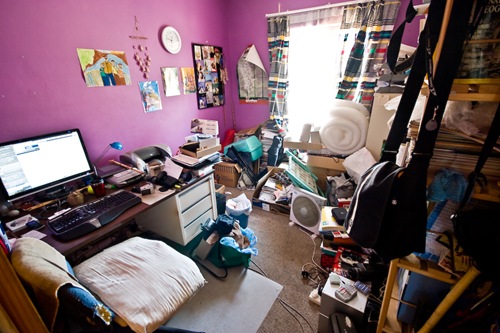
 craniac's place
Flickr and image critiques
Flickr has developed a reputation as a place where you will only get good comments on your photos. You know, the short comments like “Amazing colours” or “Wow! This is the best photo ever”. Should you also like to receive constructive criticism on your photos, you’re pretty much out of luck unless you build up a group of other like-minded Flickrers. And heavens forbid you should make a constructive criticism on the photo of a stranger; which risks anything from being blocked to being attacked by the photographer’s legion of fans. You might even be labelled, as I was, a negative person that never has anything good to say about anything.
I just read Why Negative Feedback Is A Gift and while it is talking about feedback from a company’s customers, it applies equally well to Flickr. If you are one of the Flickr members that hates receiving criticism on your photos, go and read this article. Then remember, next time you receive a critical comment on a photo, the commenter is not attacking you; they simply care enough to want to help you improve your photography.
4 Comments
Posted in Thoughts
Tagged comment, criticism, feedback, Flickr, gift, negative, positive